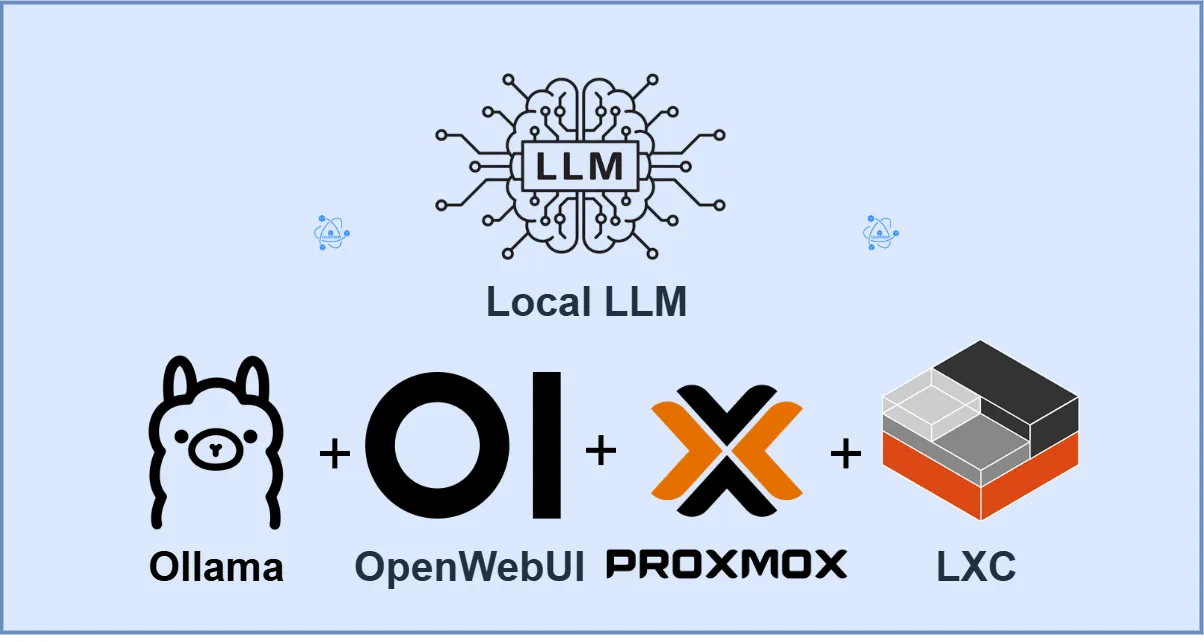
Run OpenWebUI + Ollama with full GPU acceleration on LXC.
Running large language models locally is no longer a novelty it’s a strategic decision driven by cost control, data privacy, and predictable performance. In this post, I walk through a real-world, working architecture for running OpenWebUI + Ollama with full GPU acceleration on Proxmox using LXC, explain why this approach works, its trade-offs, and how it compares to a Kubernetes GPU architecture at scale.
This is not a theoretical guide. Every step described here was implemented, debugged, and validated using nvidia-smi under real load.
Organizations increasingly want to:
Cloud GPUs solve scale but introduce:
The challenge becomes: How do we run GPU-accelerated LLMs locally in a way that is performant, maintainable, and cost-effective?
OpenWebUI
OpenWebUI is a widely adopted platform with millions of downloads, providing an intuitive web-based interface for interacting with powerful GPT-like AI models locally, without requiring an active internet connection.
Ollama
Ollama is a lightweight model runtime designed to run and manage large language models locally. It simplifies downloading, versioning, and serving GPT-like open-source models through a simple API, enabling efficient offline inference.
LXC (Linux Containers)
LXC is a low-overhead container technology that provides operating-system-level virtualization. It allows applications to run in isolated environments with near-bare-metal performance, making it ideal for resource-efficient AI workloads.
Proxmox VE
Proxmox Virtual Environment is an enterprise-grade virtualization platform that combines virtual machines and containers under a single management interface. It enables efficient resource allocation, isolation, and lifecycle management for infrastructure-hosted AI services

Prerequisites
[ Browser ]
|
v
[ OpenWebUI LXC ] ---> [ Ollama LXC ] ---> [ LLM Model (GPT-OSS) ]
|
v
[ NVIDIA GPU (optional) ]
0.1 Create the Ollama LXC Container
Create Container with the following resource
Enable Required LXC Features
Edit container config:
nano /etc/pve/lxc/300.conf
Add:
features: nesting=1,keyctl=1
Start container:
pct start 300
pct enter 300

Install Dependencies
apt update && apt upgrade -y
apt install -y curl
Install Ollama
curl -fsSL https://ollama.com/install.sh | sh
Verify:
ollama --version
Enable API Binding (Important)
systemctl edit ollama
Add:
[Service]
Environment="OLLAMA_HOST=0.0.0.0:11434"
Reload:
systemctl daemon-reexec
systemctl restart ollama
Verify:
ss -tulpn | grep 11434
List Available Models
ollama list
Pull GPT-OSS Models
ollama run gpt-oss:20b
Test:
ollama run gpt-oss:20b
Step 6 – Install Docker (OpenWebUI in the same LXC)
apt update && apt upgrade -y
apt install -y ca-certificates curl gnupg lsb-release
Install Docker:
curl -fsSL https://get.docker.com | sh
systemctl enable docker
systemctl start docker
Verify docker version:
docker --version
Deploy OpenWebUI (Pull and Run OpenWebUI)
Replace OLLAMA_IP with the Ollama LXC IP.
docker run -d \
--name openwebui \
-p 3000:8080 \
-e OLLAMA_BASE_URL=http://OLLAMA_IP:11434 \
-v openwebui:/app/backend/data \
--restart unless-stopped \
ghcr.io/open-webui/open-webui:main
Verify:
docker ps
Access OpenWebUI
Open browser:
http://<OpenWebUI-IP>:3000
First Login
Key decision: Use the NVIDIA .run installer
Why this matters: Without a working host driver, nothing else matters.
Why: Debian trixie does not ship compatible NVIDIA DKMS packages yet.
**Actions**
apt purge -y 'nvidia*' 'libnvidia*'
apt autoremove -y
Verify nothing NVIDIA remains:
dpkg -l | grep -i nvidia
apt update
apt install -y \
pve-headers-$(uname -r) \
build-essential \
dkms \
gcc \
make \
perl \
libglvnd-dev
Confirm headers exist:
ls /lib/modules/$(uname -r)/build
Disabled nouveau, the default open-source NVIDIA driver, to prevent conflicts and allow the proprietary NVIDIA driver to take full control of the GPU for CUDA and compute workloads.
cat <<EOF > /etc/modprobe.d/blacklist-nouveau.conf
blacklist nouveau
options nouveau modeset=0
EOF
Rebuild initramfs:
update-initramfs -u
.run driver WITH DKMSDownload the drivers

wget https://us.download.nvidia.com/XFree86/Linux-x86_64/580.119.02/NVIDIA-Linux-x86_64-580.119.02.run
chmod +x NVIDIA-Linux-x86_64-580.119.02.run
make the driver executable
chmod +x NVIDIA-Linux-x86_64-570.153.02.run
Run installer
./NVIDIA-Linux-x86_64-580.119.02.run --dkms --no-opengl-files
When prompted:
modprobe nvidia
modprobe nvidia_uvm
modprobe nvidia_modeset
modprobe nvidia_drm
Run:
lsmod | grep nvidia
Expected:
nvidia
nvidia_uvm
nvidia_modeset
nvidia_drm
then
nvidia-smi

Result:
GPU passthrough into LXC is not automatic and must be explicit. All NVIDIA device nodes need to be passed, and container security must be relaxed enough to allow raw device access.
Key decision:
/dev/nvidia* and /dev/nvidia-capslxc.apparmor.profile: unconfined
lxc.cap.drop:
lxc.cgroup2.devices.allow: c 195:* rwm
lxc.cgroup2.devices.allow: c 237:* rwm
lxc.cgroup2.devices.allow: c 241:* rwm
lxc.mount.entry: /dev/nvidia0 dev/nvidia0 none bind,optional,create=file
lxc.mount.entry: /dev/nvidiactl dev/nvidiactl none bind,optional,create=file
lxc.mount.entry: /dev/nvidia-modeset dev/nvidia-modeset none bind,optional,create=file
lxc.mount.entry: /dev/nvidia-uvm dev/nvidia-uvm none bind,optional,create=file
lxc.mount.entry: /dev/nvidia-uvm-tools dev/nvidia-uvm-tools none bind,optional,create=file
lxc.mount.entry: /dev/nvidia-caps dev/nvidia-caps none bind,optional,create=dir
Key insight: With .run drivers, Debian packages inside the LXC will never match.
Correct fix
lxc.mount.entry: /usr/bin/nvidia-smi usr/bin/nvidia-smi none bind,ro,create=file
lxc.mount.entry: /usr/lib/x86_64-linux-gnu/libnvidia-ml.so.1 usr/lib/x86_64-linux-gnu/libnvidia-ml.so.1 none bind,ro,create=file
Verified the GPU was passed through to the LXC successfully (inside LXC)
nvidia-smi

Result:
Run the following within the LXC container terminal to test for functionality of all the installed models
ollama run deepseek-r1:1.5b
ollama run gemma3:4b
ollama run gpt-oss
Observations Small / mid models → GPU only GPT-OSS → GPU + RAM spill (expected on 12 GB VRAM)

Why This Approach Works
This design works because it respects clear boundaries:
Using LXC instead of a VM minimizes overhead and maximizes performance per dollar. Using the .run driver provides stability on an otherwise unsupported OS combination, at the cost of manual maintenance.
Alternatives and Trade-Offs
There are several viable alternatives, each with different trade-offs.
The LXC approach trades scalability and isolation for simplicity, performance, and cost efficiency.
Failure Scenarios and Operational Considerations
This architecture is sensitive to a few predictable failure modes:
These risks are acceptable in controlled environments and are easy to diagnose with proper monitoring.
What Changes at 10× Scale
At ten times the load, this architecture stops being appropriate. The natural evolution is to move to Kubernetes with GPU worker nodes, model-aware scheduling, and horizontal scaling. OpenWebUI becomes stateless, inference workloads are distributed, and failures are isolated.
The LXC-based design should be viewed as a single-node, high-performance inference platform, not a long-term replacement for a distributed AI serving system.
Final Takeaway
This solution is not a hack; it is a deliberate architectural choice optimized for cost, control, and performance. By letting the host fully own the GPU and allowing the container to consume it cleanly, it delivers near-native GPU performance with minimal overhead. The trade-offs are clear, the failure modes are predictable, and the scaling path is well understood.